
Explore Infinite Layout Possibilities with Pre-built Mega Menu Styles
Don't limit your website to standard text lists. Discover a collection of stunning, conversion-optimized header and navigation styles designed to fit any business niche. From clean corporate headers to content-heavy e-commerce layouts, switch styles in seconds right inside the HubSpot Editor.
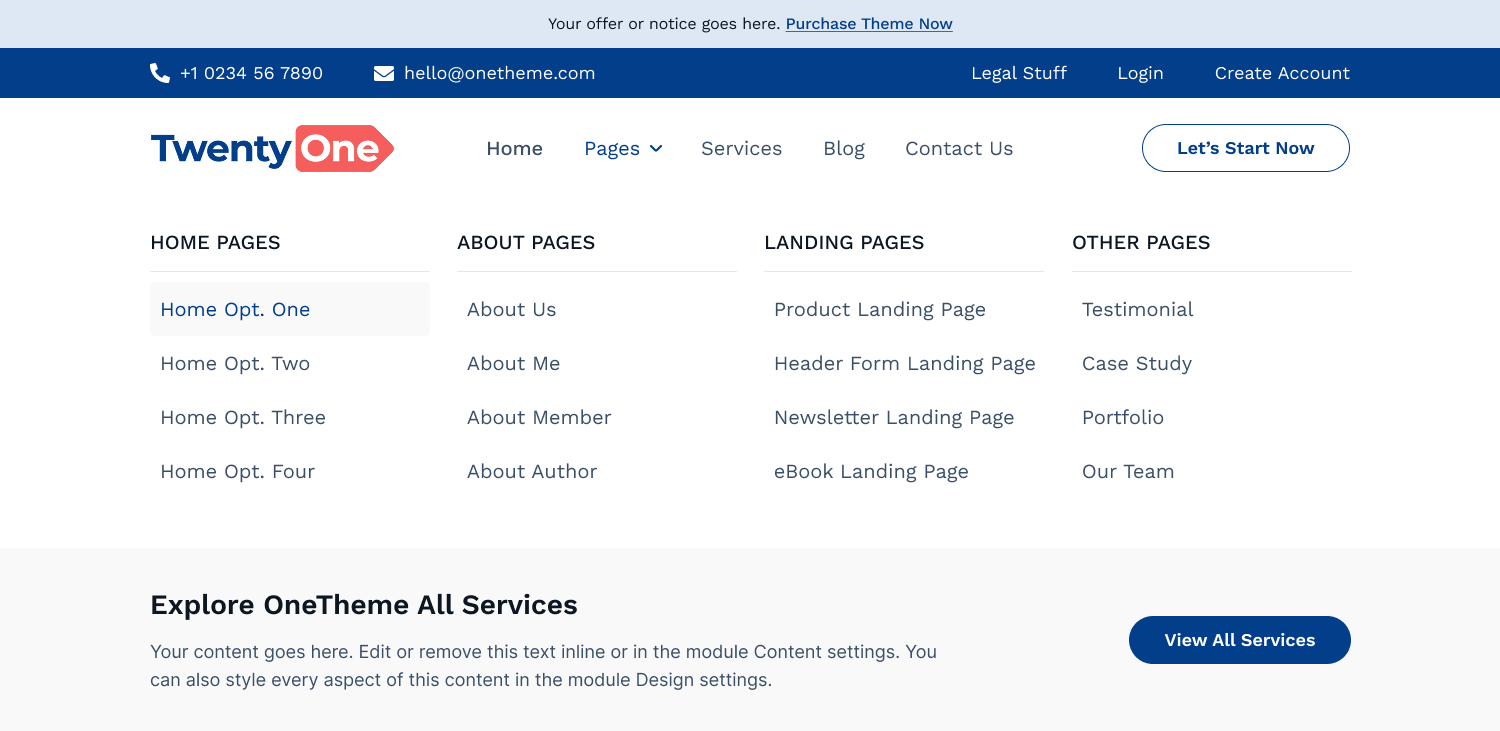
Multi-Column Grid with Conversion Footer
Neatly organize massive text links into balanced columns. Features an integrated utility footer area at the bottom with a clear background banner and a dedicated CTA button to capture immediate user attention.
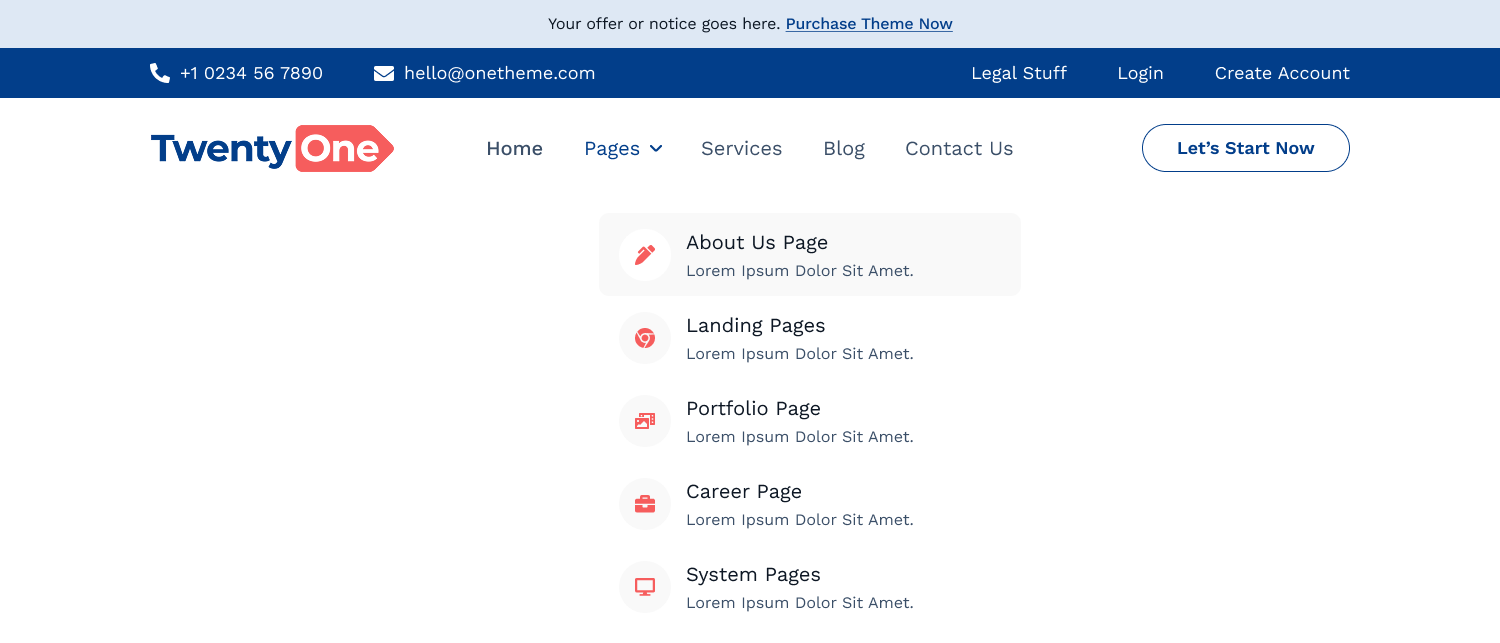
Sleek Single-Column Vertical Dropdown
Perfect for minimalist navigation needs or compact sub-menus. A clean, streamlined vertical layout with beautiful typography and subtle icon bullet points for maximum clarity.
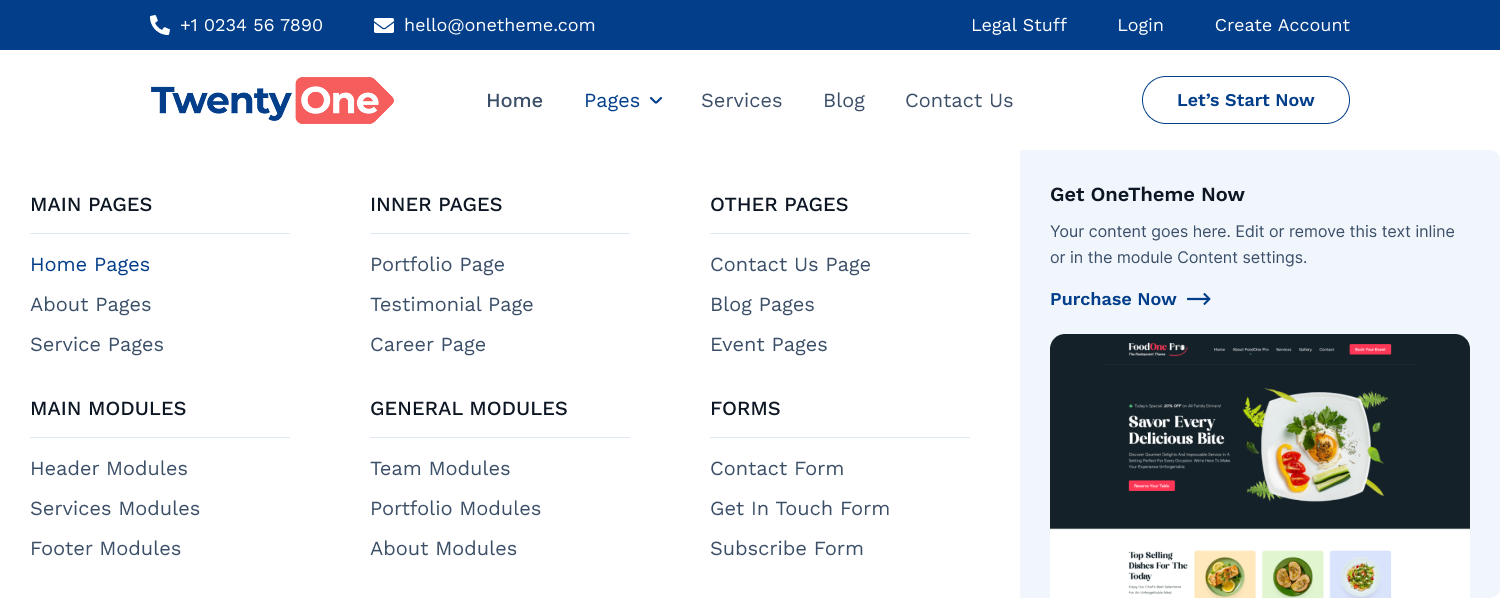
Content-Rich Layout with Promo Cards
Elevate your e-commerce or product pages. Combine structured multi-column navigation links with a beautiful card section on the right-complete with a rich media image, badge overlay, rating stars, and pricing details.
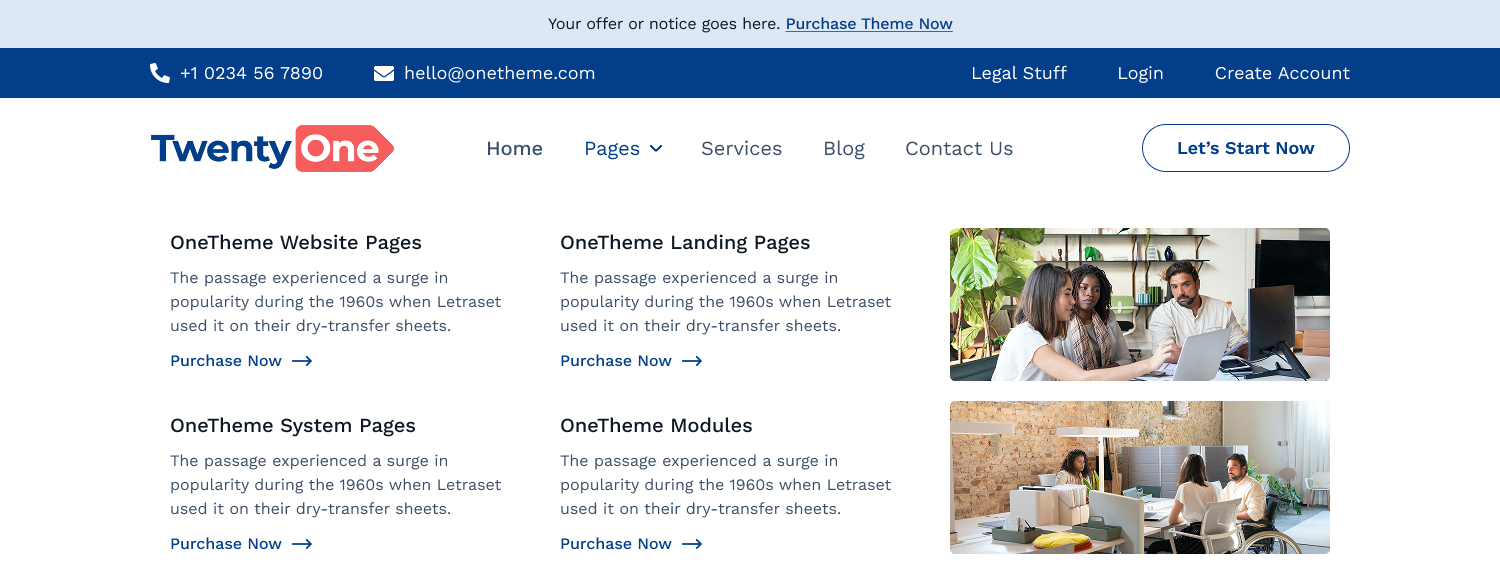
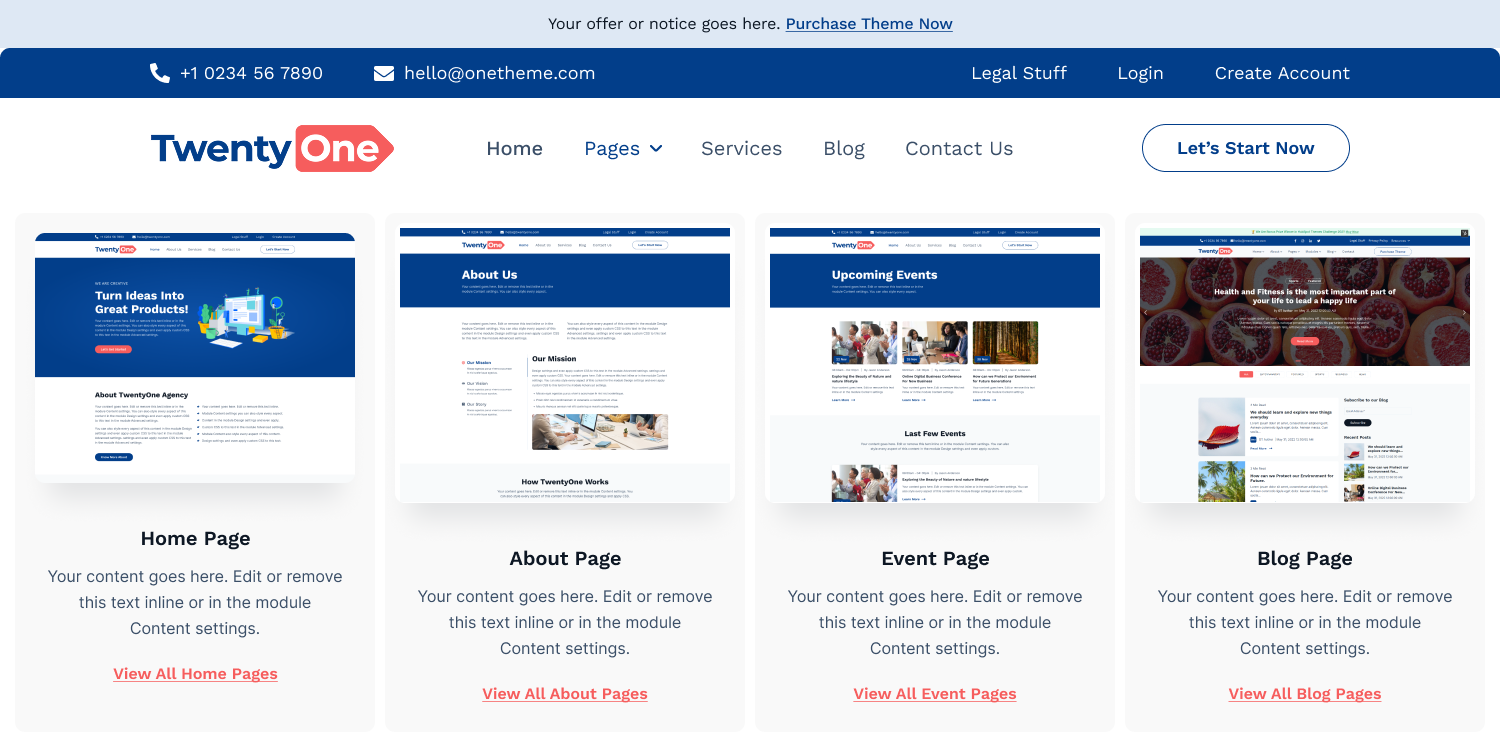
Grid Layout with Dynamic Description Cards
A clean, horizontal row-based grid structure accompanied by crisp visual descriptive blocks. Perfect for giving users a visual sneak peek of services, categories, or resources directly inside the navigation panel.
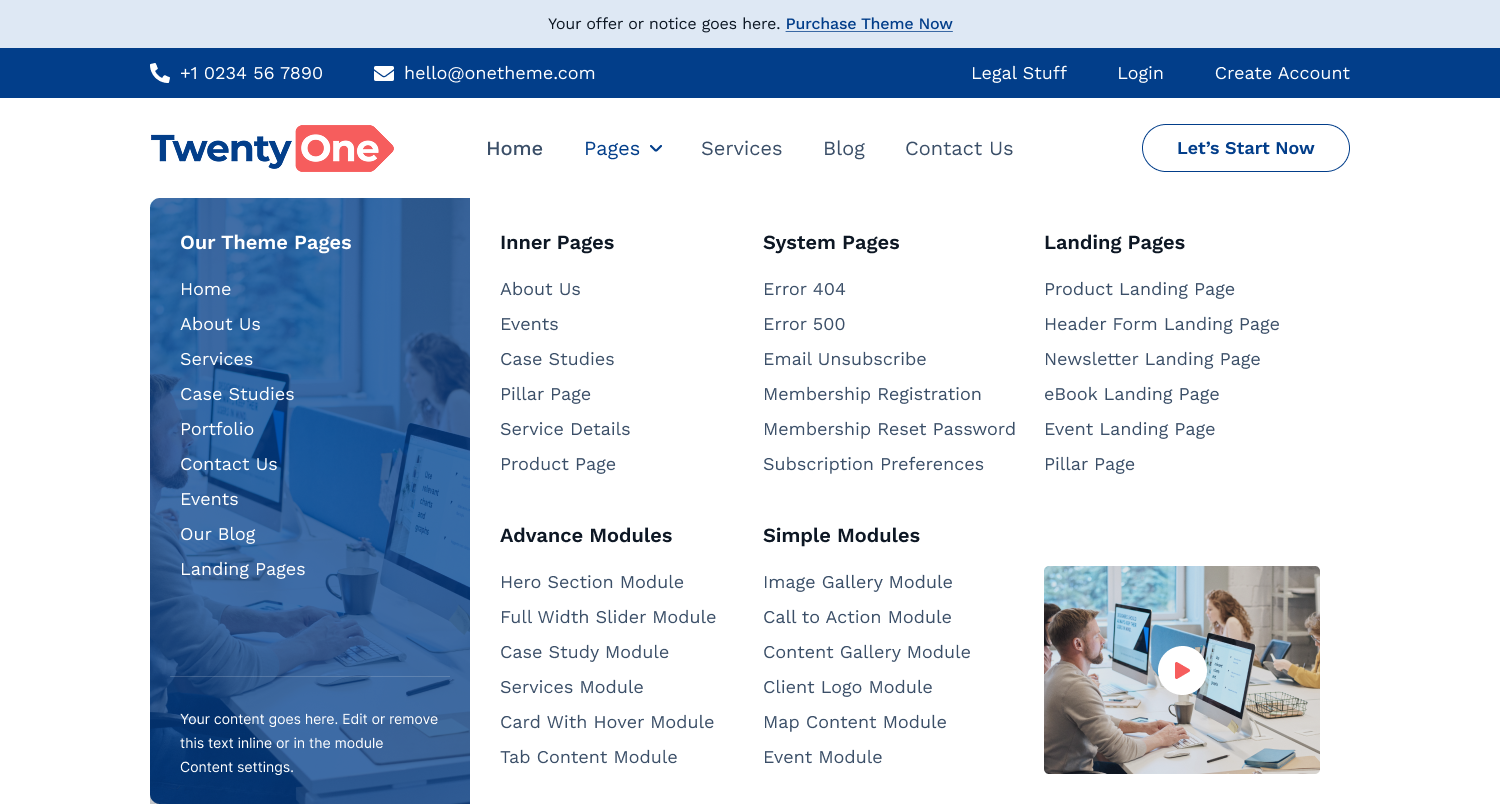
Left Highlight Panel with Image Background
Create a high-impact split layout inside your menu. Features a solid, stylized left vertical panel complete with custom overlay text and a rich background image to highlight core links, themes, or special features right next to your clean navigation categories.
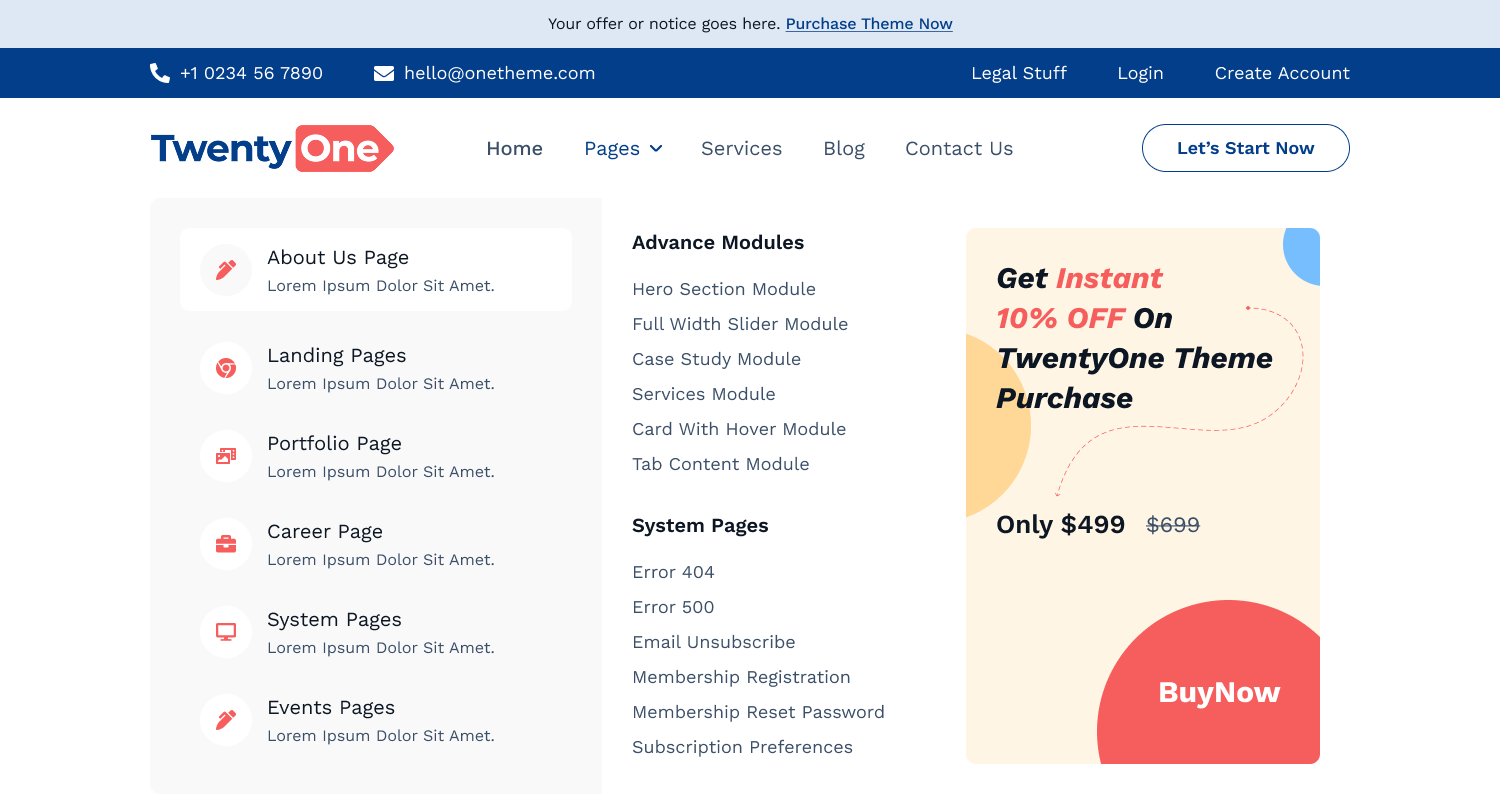
Full-Height Commercial Banner Display
Maximize sales real estate with an integrated, eye-catching marketing banner right next to your standard utility lists. Perfect for flashing flash sales, new arrivals, discount coupons, or download prompts.
Card Elements with Dynamic Badges
Group structural items into clear, containerized visual cards. Each card can carry a header image, bold typography description, and contextual status badges (e.g., "Popular", "New") to direct customer traffic accurately.
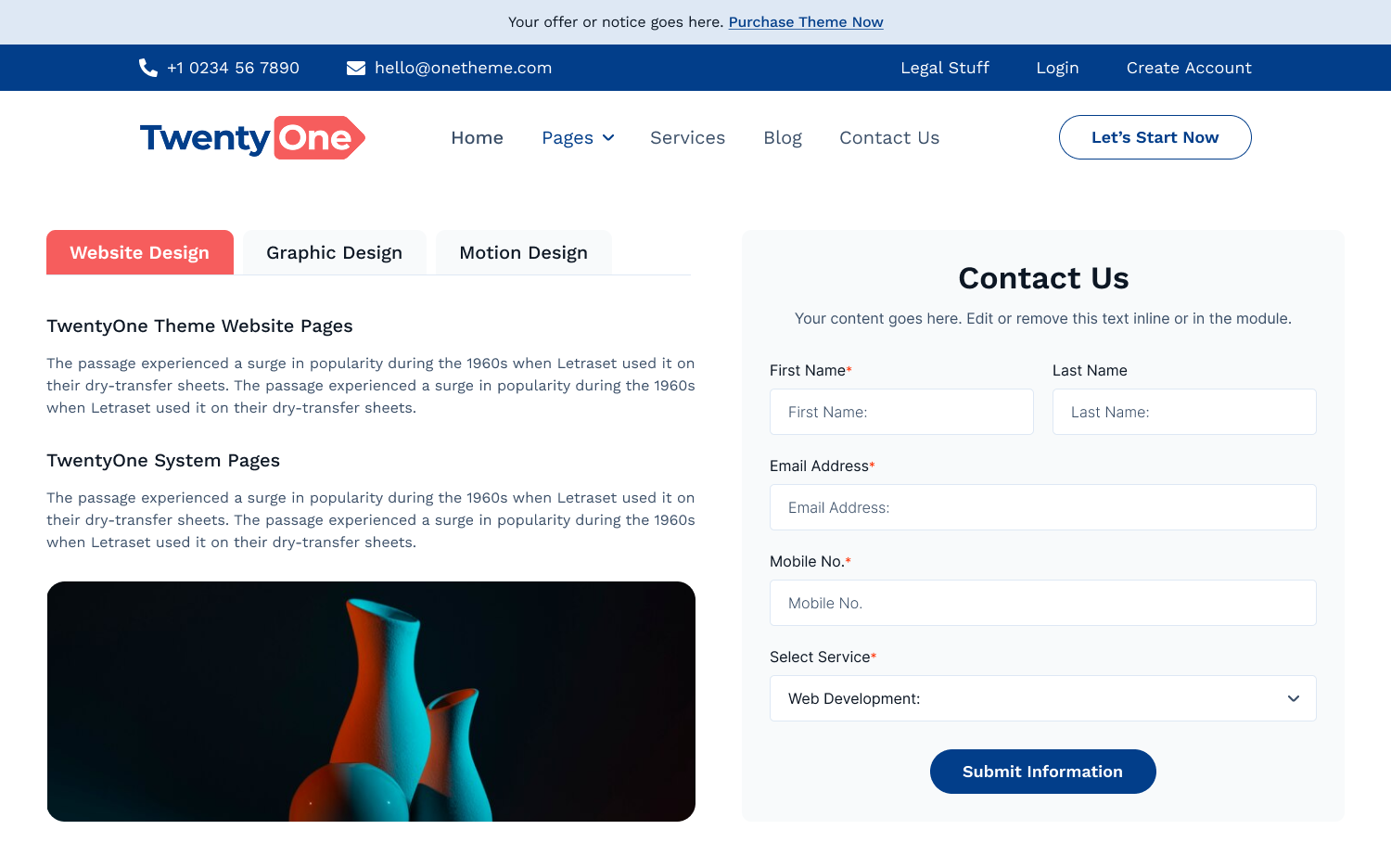
Lead Generation Form Navigation
Turn your menu dropdown into a lead powerhouse. Embed a full, conversion-focused HubSpot Form right alongside rich media graphics and description panels to gather data without forcing users away from the home screen.
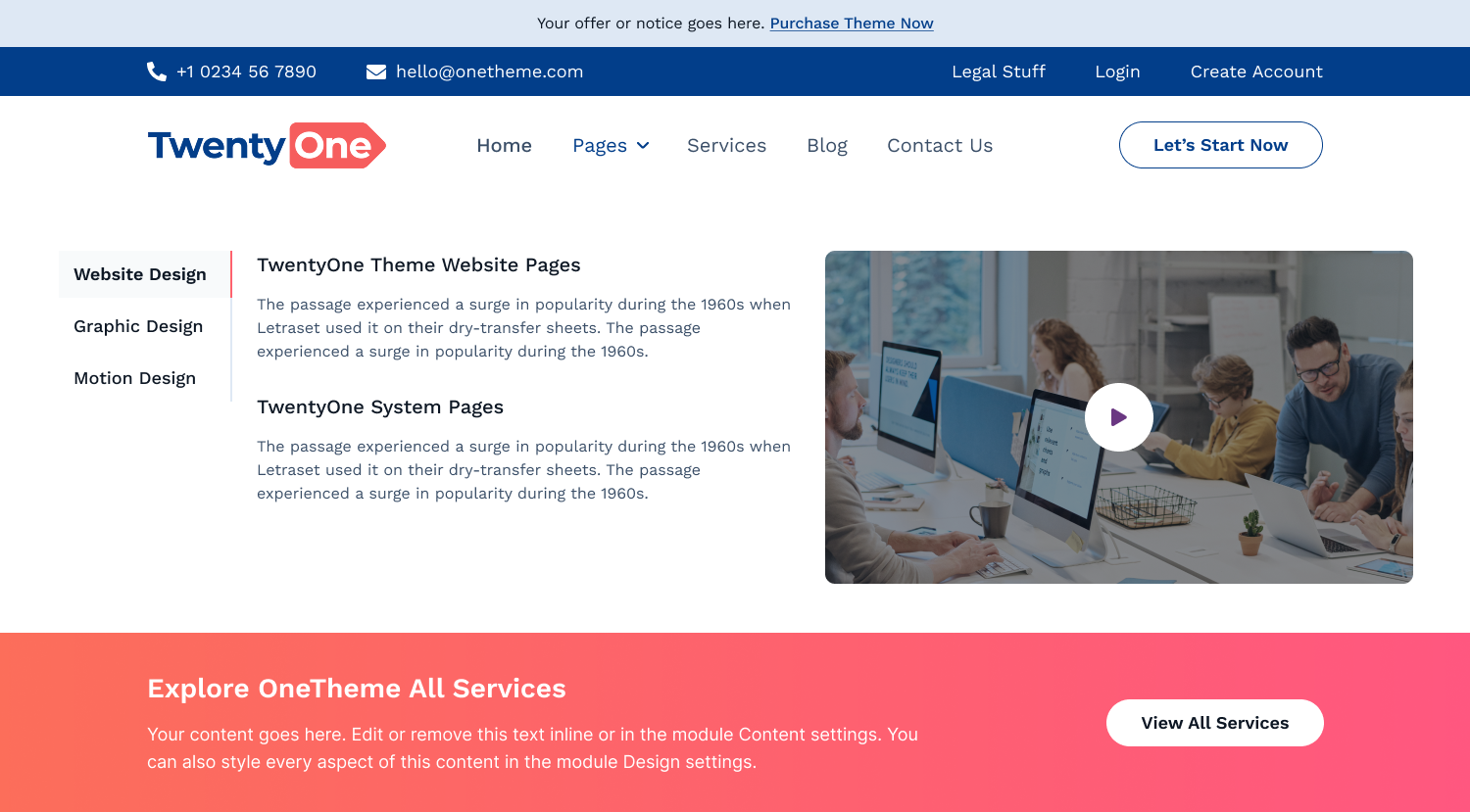
Tabbed Resource Panel with Video Embed
Ultimate content hub experience. Combine horizontal switching tabs, structured list elements, and a playable embedded video component to keep users engaged right inside your main header layer.
Need Help Setting Things Up?
Every single element, style, and interactive component is fully documented with step-by-step instructions. Check out our comprehensive technical guide to unlock the full potential of your Advanced Mega Menu Navigation module.